
To understand the strategic value of smart home office automation, we first need to step back from the usual narrative. This is not just about making your office lights respond to voice commands or automating your thermostat. The deeper story—and the one that matters for business professionals—is how automation of the home office environment changes productivity, focus, and ultimately, the ROI on knowledge work. If we think of the home office not as another room in the house but as a strategic node in a distributed workforce, then automation becomes less about convenience and more about competitive advantage.
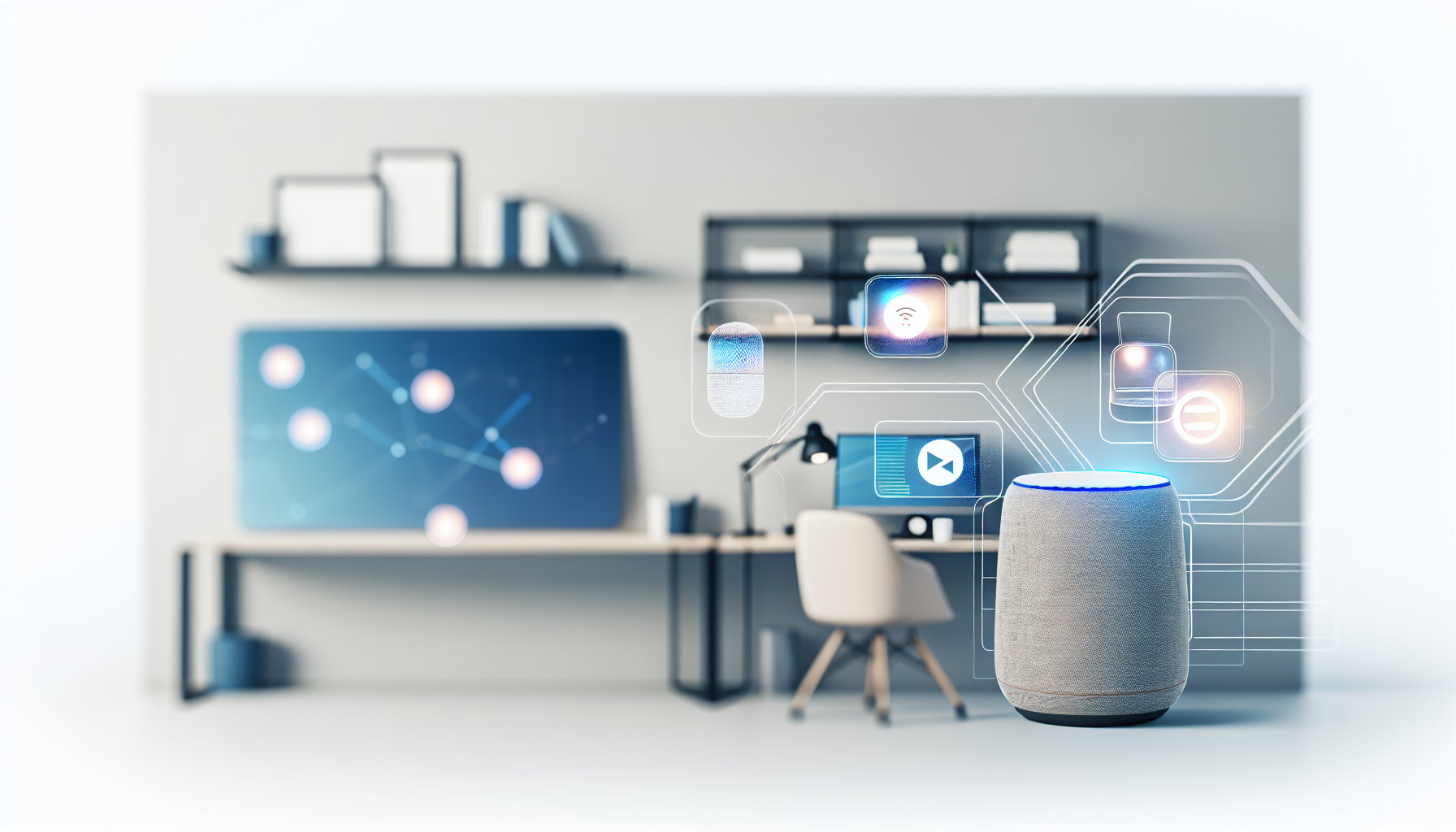
Professional AI automation workspace and tools overview
Smart home office automation isn’t about gadgets—it’s about creating an environment optimized for high-value work, with predictable costs and measurable ROI.
What This Tool Actually Does
Smart home office automation refers to the integration of intelligent systems—lighting, climate control, scheduling, voice assistants, and workflow integrations—into the workspace you maintain at home. Solutions like Apple HomeKit provide the backbone. The systems work by connecting smart devices (lights, plugs, thermostats, cameras, and screens) into centralized platforms that can be managed by voice, app, or pre-set routines.
But from a business strategy perspective, the value doesn’t lie in “cool factor.” The real benefit is that these automations reduce decision fatigue, eliminate friction from repetitive tasks, improve ergonomics, and create a standardized environment that supports peak focus. In practice, this could look like:
- Lights automatically adjusting to daylight cycles to reduce eye strain and improve alertness.
- Meeting-ready environments being triggered by a calendar event (e.g., camera, microphone, and lighting system all activating at once).
- Temperature adjustments that maintain optimal productivity conditions while trimming energy costs.
- Integrations with project management tools to announce deadlines or reminders through smart speakers.
Key Features That Matter for Business
Most reviews of smart automation focus on features at the consumer level. But for professionals—and especially business owners—the critical elements shift. There are three key factors:
1. Integration with Workflow Tools
Automation must align with work, not just lifestyle. For example, integrating calendars via cambattery” target=”blank”>Google Nest Cam or Logitech’s enterprise conferencing systems. Compared to manual setups, smart automation provides dynamic adaptability and scheduling-based efficiencies, though at a higher upfront cost. Compared to expensive enterprise systems, home-based automation offers affordability and flexibility but lacks the IT-grade security or hardware reliability of enterprise setups.
Who Should Use This (And Who Shouldn’t)
Who Should:
- Professionals who spend 20+ hours per week in a home office environment.
- Remote-first businesses wanting consistent presence across a distributed workforce.
- Consultants, advisors, and client-facing roles where video professionalism directly impacts credibility.
Who Shouldn’t:
- Casual or hybrid workers who spend fewer than 5 hours per week working from home.
- Organizations that lack budget for hardware subsidies.
- Security-sensitive fields (legal, defense) uncomfortable with big tech ecosystem ties.
Frequently Asked Questions
1. Is it difficult to set up smart home office automation?
Most systems today are plug-and-play, with highly intuitive apps. However, businesses often benefit from an internal IT resource or contractor configuring standardized setups.
2. How do these systems integrate with business software?
Smart platforms like Alexa, Google Home, and HomeKit can connect with calendars from Google Workspace and Microsoft 365. With tools like
I test new business automation tools every week. Join other professionals who use these insights to make better software decisions. Subscribe for updates
Get Weekly Tool Reviews