
What This Tool Actually Does
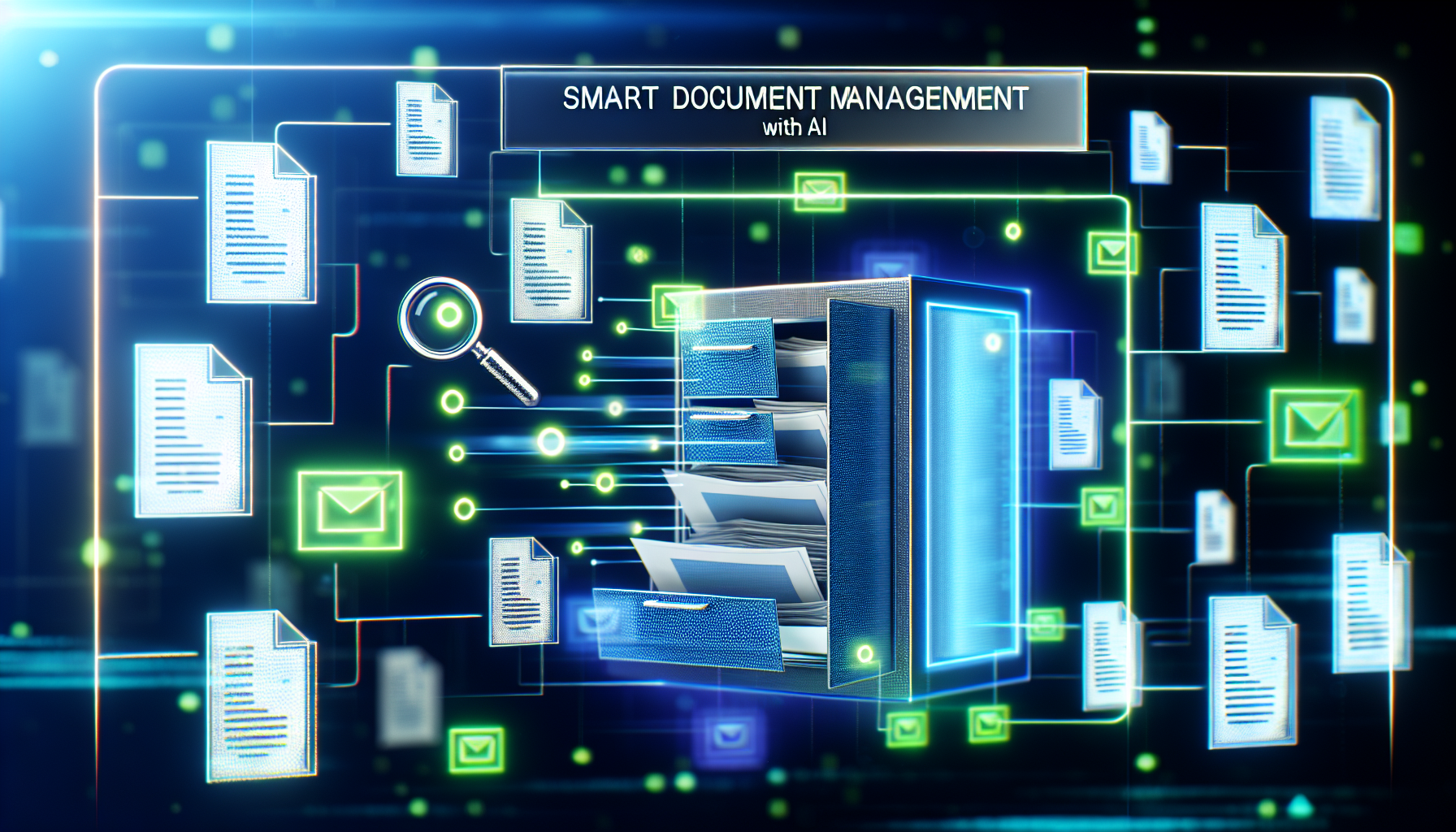
Growing companies need automation that actually scales, not just promises efficiency. Smart Document Management with AI is designed to radically shift how businesses handle, store, and process their documents. By leveraging artificial intelligence, this tool automates routine document tasks, classifies files, extracts critical data, and enhances searchability. Think of it as your digital filing assistant, using AI to comprehend the nuances of your documents and transforming them into practical components of your business workflow. Imagine having your business documents ready at just a click, classified and stored systematically, saving you substantial admin time. Whether it’s automating data extraction from invoices or organizing expansive document libraries, AI-driven document management integrates seamlessly into existing business processes.
Key Features That Matter for Business
The real value of any technology hinges on its features aligning with practical business needs. Here are the standout features that Smart Document Management with AI brings to the table:
- Automated Classification: This feature uses machine learning to automatically categorize documents, reducing the need for manual tagging and filing.
- Data Extraction: The tool leverages OCR (Optical Character Recognition) and NLP (Natural Language Processing) to pull critical information directly from documents, streamlining data entry tasks.
- Intelligent Search: AI-powered search allows users to locate documents using natural language queries, making retrieval faster and more intuitive.
- Compliance Management: Ensures document management complies with legal standards, especially useful for industries with stringent regulatory requirements.
- Cloud Integration: Seamlessly integrates with major cloud storage providers, ensuring your documents are accessible wherever you go.
By focusing on these capabilities, businesses can shift from tedious file management to more strategic initiatives.
Real-World Use Cases
Small Business (5-10 employees)
For a small business, resources are often stretched thin. Imagine a local consultancy firm that spends hours each week organizing client agreements, project notes, and billing documentation. Implementing Smart Document Management with AI could eliminate manual filing tasks by automatically organizing documents upon upload. This can save the team up to 10 hours per week, transforming how they use their time—focusing on client needs rather than paperwork.
Growing Company (50+ employees)
When you reach 50 employees, scaling document management processes becomes critical. A mid-sized marketing agency could utilize AI to manage contracts, creative briefs, and financial records efficiently. Automated data extraction can populate CRM systems and analytics tools directly from client documents. This not only heightens productivity but also ensures every team member can access up-to-date information, fostering better client service and project management.
Pricing and ROI Analysis
The value proposition of Smart Document Management with AI must be evaluated against its pricing model and ROI. Typically, pricing can vary based on user count and storage needs. For example, a basic package may start at around $15 per user per month, with premium tiers offering advanced features for larger teams or additional storage.
“Investing in smart document management could save your team up to 20% of their time per week, translating into significant cost savings and productivity boosts.”
Consider a scenario where a company with 20 employees adopts this tool. If each employee saves an average of 30 minutes per day, that equates to 50 hours saved across the team weekly. Calculating this against average hourly wages, the productivity gains can easily outweigh the software expenses, illustrating a clear ROI.
Honest Pros and Cons
Pros:
- Reduces manual document tasks significantly
- Enhances accessibility and compliance
- Facilitates better data accuracy through AI-driven extraction
- Integrates with widely-used cloud and CRM systems
Cons:
- Initial setup can be time-consuming for large document sets
- May require some staff training to leverage all features
- Document accuracy depends on the quality of originals for OCR processes
How It Compares to Alternatives
When comparing Smart Document Management with AI to alternatives like M-Files, DocuWare, or traditional manual systems, it’s important to focus on scalability and integration capabilities. While platforms like M-Files offer robust storage solutions, this AI-driven option excels in automation and intelligent data processing, making it better suited for companies looking to reduce manual intervention. In contrast to legacy systems, the AI tool advances operational efficiency dramatically, although it may demand upfront investment in technology and training.
Who Should Use This (And Who Shouldn’t)
For growing companies in need of streamlined operations and reduced manual workload, Smart Document Management with AI is a game-changer. It’s perfect for businesses aiming to improve efficiency, ensure data accuracy, and boost employee productivity. However, startups in their infancy or firms with minimal document processing needs may not see the full benefits yet. Such companies can consider more basic, lower-cost solutions until their volume justifies the investment.
Frequently Asked Questions
- Is there a steep learning curve for employees? The tool is designed with user-friendliness in mind, though some training is recommended to fully leverage advanced features.
- How does it handle sensitive data? Compliance features ensure confidential information is handled securely, making it suitable for industries with regulatory requirements.
- Can it integrate with existing systems? Yes, it supports integration with popular cloud services and CRM platforms, allowing seamless information flow.
- What kind of support is available? Most providers offer 24/7 customer support and detailed documentation to assist with any setup and operational queries.
- How frequently are updates provided? Regular updates are pushed to enhance functionality and security, keeping the tool aligned with technological advancements.
Final Recommendation
For companies committed to boosting productivity and reducing the burden of document management, investing in Smart Document Management with AI is a prudent choice. It empowers teams to reclaim work hours, reduce errors, and enhance overall operational efficiency. However, assess whether your company currently handles enough documentation volumes to justify this automation leap.
Get Weekly Tool Reviews
I test new business automation tools every week. Join other professionals who use these insights to make better software decisions.
Professional AI automation workspace and tools overview
Subscribe for updates
practical reviews, no fluff.